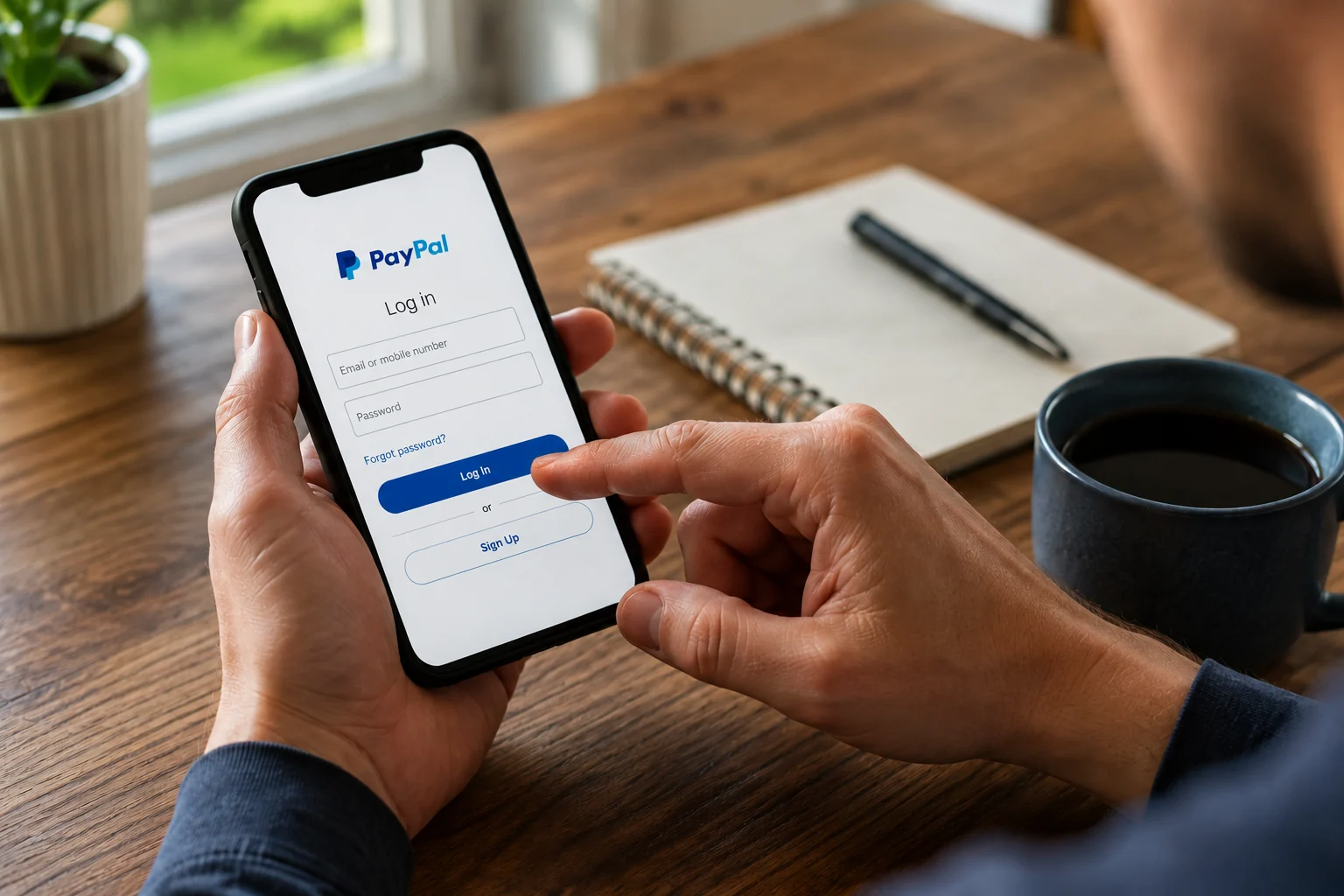
Believe it or not, your PayPal account isn’t safe by default. Many Australians find their PayPal account hacked every day, and it puts both their bank accounts and personal details at serious risk.
Our team at Matter Solutions works with Australian businesses to strengthen their online security before anything goes wrong. We understand how unsettling it is to lose control of an account, and we’ll walk you through everything you need to respond quickly and recover properly.
Here’s what you’ll find in this guide:
- Warning signs that your account has been accessed
- Immediate steps to take after a breach
- How to contact PayPal and report unauthorised activity
- Ways to protect yourself against future threats
PayPal’s built-in protections only go so far. The last thing you want is to find out they weren’t enough. So, read on to take control of your account security today.
Is Your PayPal Account Hacked? Signs You Shouldn’t Ignore
Unauthorised transactions are the clearest warning sign that someone has accessed your account without your knowledge. You should also watch out for unfamiliar devices logged in and email notifications that have suddenly stopped arriving.
The truth is, most people can’t spot a hacked PayPal account straight away (we’ve seen this happen without a single password attempt). To stay ahead, you should check your PayPal activity regularly, especially for those recent transactions you didn’t initiate. If something looks off, change your password immediately and flag the suspicious activity to PayPal. After all, hackers can steal money, charge linked cards, and withdraw funds from connected accounts within minutes of gaining entry.
Beyond the financial hit, a breach puts your personal security at risk, too. Cybercriminals value your account information, phone number, and email accounts because they use these details to open fraudulent credit lines in your name later.
How PayPal Scams and Hacked Accounts Actually Happen
Attackers rarely go after PayPal’s systems directly. They instead target the people using it, and they do it through two main methods: phishing scams and weak passwords.
Below, we’ll cover both in detail.
PayPal Scams That Hand Over Your Account Information
PayPal scams rose 600% in early 2025, and most began with a single convincing email. We’ve worked with Australian businesses that have dealt with PayPal-related breaches firsthand, and phishing scams are consistently the number one entry point we see.
These fraudulent emails mimic official PayPal messages down to the logo and sender name, which directs you straight to a fake login page. Once you enter your login credentials, attackers walk away with:
- Your PayPal password
- Linked card and bank details
- Personal contact information
- Transaction history
- Security question answers
Fake invoices, overpayment scams, and giveaway traps work the same way. They’re all built to look legitimate just long enough to catch you off guard. If you’re not paying close enough attention, even a small lapse in judgment can hand attackers full access to your account.
Social engineering takes this even further. Rather than relying on malicious links, attackers manipulate you into handing over details directly through suspicious messages that feel surprisingly personal.
Weak PayPal Passwords and Credential Stuffing
Credential stuffing uses leaked passwords from previous breaches to access your PayPal account automatically. It sounds technical, but the concept is fairly simple. Basically, if you’ve reused the same password across multiple sites and one of those gets breached, your PayPal account is next in line.
Hackers run thousands of login attempts per minute using these leaked combinations. That’s why you need to use a unique password across all of your accounts.
If you want an easy way to handle this, try a password manager like LastPass or Password. Both generate and store strong, unguessable credentials for every platform you use, so you don’t have to remember a thing.
Keep in Mind: Your most direct defence against credential stuffing is a strong PayPal password you haven’t used anywhere else. Never reuse login information across accounts, especially those connected to financial platforms.
Now that you know how attackers get in, let’s talk about what to do the moment you suspect your account has been hit.
Compromised Account? Here’s What to Do Immediately
You can still limit the damage even if your account has already been accessed. Every minute you wait gives attackers more room to move, so work through these steps right now:
- Reset Your PayPal Password First: Log in to your account and change it before anything else. Pick something strong and completely new, then enable two-factor authentication (2FA) so future access attempts need more than just a password.
- Check Your Recent Transactions: You should carefully check your PayPal activity and cancel any pending payments immediately via the PayPal app. The myGov website has a step-by-step guide on how to recover from an online scam if you need broader help.
- Call Your Bank Straight Away: Your bank’s fraud department can freeze linked bank accounts, reissue affected cards, and reverse unauthorised transactions before they go through. The sooner you make that call, the harder it becomes for attackers to transfer money out of your connected accounts.
As we mentioned earlier, your PayPal balance is just where it starts. Without quick action, the fallout can reach into every connected account, card, and credit line you own.
Once you’ve locked things down, it’s time to take this up directly with PayPal.
How to Contact PayPal and Use the Resolution Centre
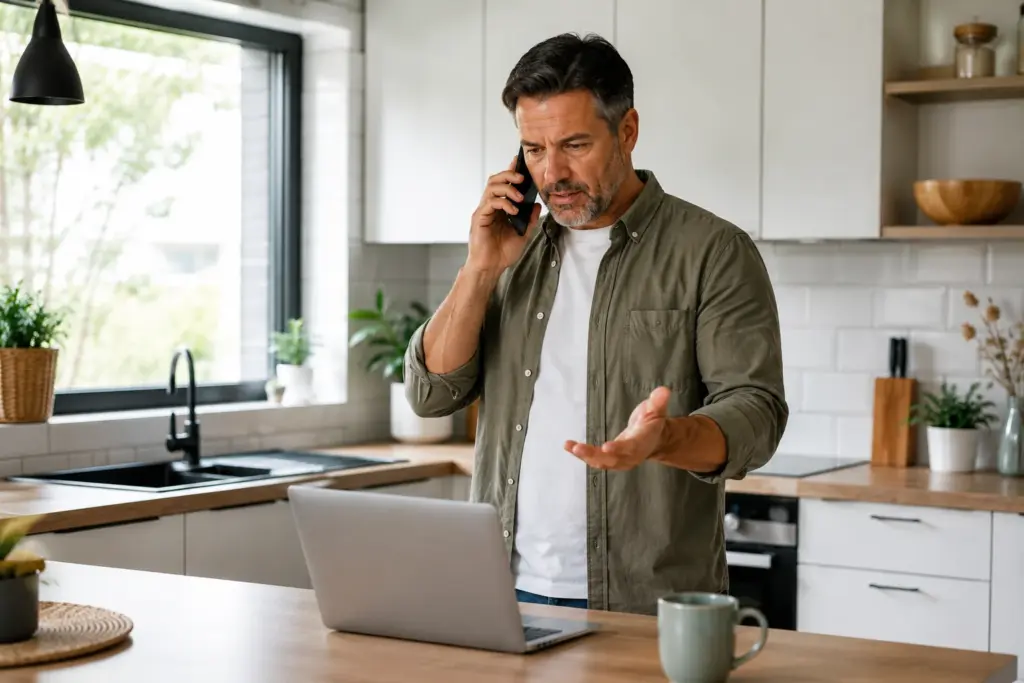
Contact PayPal immediately through their Help Centre if you can’t access your account after a breach. Their support team can verify your identity, restore access, and flag the compromised account on their end.
Once you’re back in, head straight to PayPal’s Resolution Centre to report fraud. Select the unauthorised transaction, click “Report a Problem,” and follow the prompts.
For unauthorised transactions specifically, PayPal asks you to report them straight away. The longer you wait, the harder it becomes to dispute the original payment and recover what was taken (the numbers don’t lie on this one).
From there, set up fraud alerts so PayPal notifies you of anything suspicious going forward. Once you submit the report, PayPal will review the claim and follow up directly, so keep an eye on your registered email address for a response.
In most verified cases, PayPal will refund money lost to fraudulent activity after reviewing your claim.
Identity Theft and the Dark Web: What Your Financial Institutions Need to Know
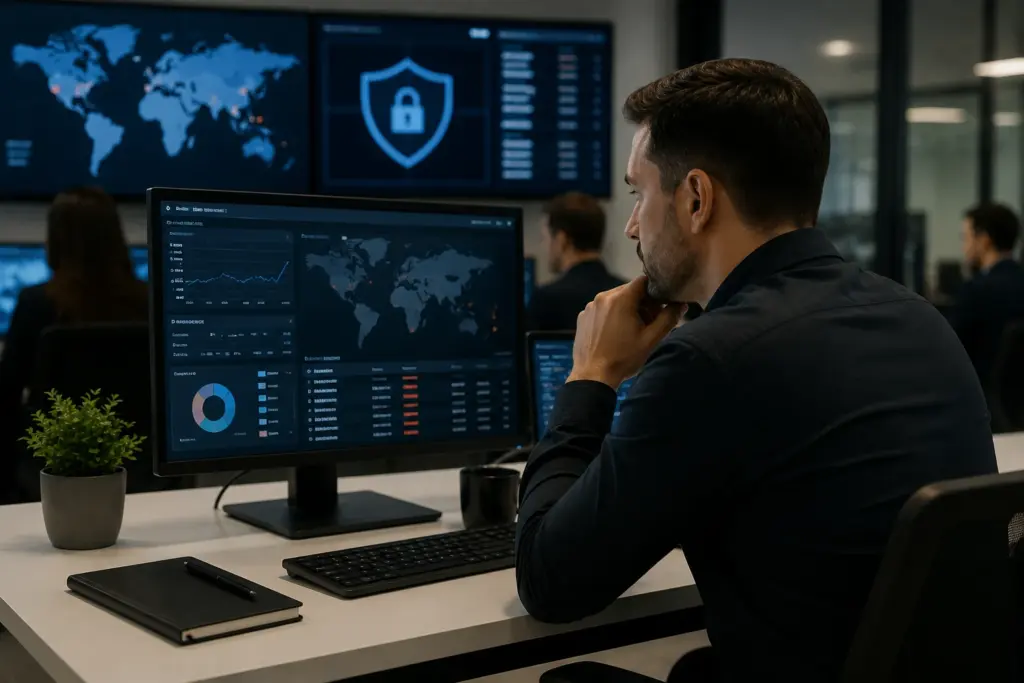
Attackers who gain entry to your PayPal account rarely stop at one transaction. A lot of the time, attackers package your personal details and list them for sale on the dark web before you’ve even noticed the breach.
Here’s what you need to know about where your data goes and who to contact when it does:
How Your Account Information Ends Up on the Dark Web
Cybercriminals bundle everything they can extract from a compromised account and put it up for sale almost immediately (which explains why so many accounts get hit twice).
That typically includes:
- Your full name, email address, and phone number
- Linked card details and financial information
- Personal details like your billing address and date of birth
- Login credentials from connected email accounts
- Security question answers that are stored against your profile
Identity thieves use these details to open credit lines, apply for loans, and access other financial platforms in your name. And once your data is out there, it can circulate across multiple marketplaces for years.
Reporting to Financial Institutions, ACCC, and ReportCyber
After you’ve secured your PayPal account, start with your bank’s fraud department and let them know your details may have been compromised. They can review recent activity, help secure affected accounts, and recommend additional protective measures on their end.
You should also report the incident to the ACCC via Scamwatch so they can track scam activity and warn other locals facing the same threat. Lodge a cybercrime report through ReportCyber as well. It’s the Australian Government’s official platform for reporting incidents like this.
In some cases, local police may also request a copy of the report, particularly if the incident resulted in significant financial loss.
How to Protect Your PayPal Account Against Other Threats
You can protect your PayPal account against most threats by enabling 2FA, avoiding public Wi-Fi, and staying alert to phishing emails. Based on our firsthand experience helping Australian businesses secure their online accounts, these three habits alone block the vast majority of attacks.
- Enable Two-Factor Authentication: 2FA means anyone trying to get in needs both your password and a second verification step (usually a code sent to your phone). Most PayPal users set this up in under two minutes via the Security settings in their profile. It adds an extra layer of protection that makes credential stuffing and unauthorised access significantly harder to pull off.
- Stay Off Public Wi-Fi: Attackers can intercept session data on unsecured networks, and financial platforms like PayPal are a prime target. If you’re sending or receiving money through PayPal while on a public network, you’re taking an unnecessary risk. Use mobile data instead, or wait until you’re on a secure connection.
- Log In Directly: Phishing attacks almost always rely on urgency. They send a text message or email pushing you to click through and verify your details. Instead of following those prompts, go directly to PayPal’s website or app every single time. This one habit removes the risk of landing on a fake login page entirely.
Small changes to how you log in and handle transactions go a long way against the most common attack methods. So naturally, the harder you make it for attackers to get in, the more likely they are to move on to an easier target.
Your PayPal Security Checklist
Before you close this article, run through this checklist to confirm every protection is in place. Print it out or screenshot it for quick reference down the track.
The complete checklist:
|
# |
Action |
Why It Counts |
|
1 |
Change your PayPal password immediately |
Locks out anyone who already has your old credentials |
|
2 |
Enable two-step verification |
Stops unauthorised access even if your password is compromised |
|
3 |
Review recent transaction history |
Helps you catch and dispute fraudulent charges early |
|
4 |
Contact your bank’s fraud department |
Freezes linked accounts before attackers can withdraw money or rack up more charges |
|
5 |
Report to PayPal’s Resolution Centre |
Starts the official process for recovering lost funds |
|
6 |
Lodge a report with ReportCyber |
Creates an official record for law enforcement and relevant authorities |
|
7 |
Set up fraud alerts on all financial accounts |
Notifies you of suspicious activity across multiple layers of your finances |
Seven steps might seem like a lot to work through at once. In reality, most of them take only a few minutes each, and completing all of them puts you in a far stronger position than the average PayPal user.
Lock Down Your PayPal Today
A hacked PayPal account can unravel quickly. By the time most people notice something is wrong, attackers have already transferred funds, exploited linked cards, and in some cases, sold personal details to third parties.
That said, you now have everything you need to act. Start by reporting the incident to PayPal, notifying your bank, and lodging a complaint with ReportCyber as soon as possible. And don’t forget to work through the checklist above before you close this page.
At Matter Solutions, we help Australian businesses stay protected across website security, digital account management, and everything in between. If you’d like a hand reviewing your current setup or want to know where your main exposure points are, get in touch with our team today.
Frequently Asked Questions
Here are some of the most common questions we hear about PayPal account security:
Can People Hack Your PayPal?
Yes, though attackers rarely breach PayPal’s systems directly. Instead, they target individual users through phishing, malware, and credential stuffing, exploiting personal information leaked from other platforms.
A strong password and two-factor authentication are your most reliable defences.
Can a Hacked PayPal Account Lead to Identity Theft?
It can. Attackers often use stolen financial information to open credit lines and commit fraud in your name. If you suspect identity theft, notify your financial institutions immediately and file a report at your local police station to create an official record.
Should I Change All My Passwords After a PayPal Breach?
Yes, especially if you’ve reused passwords across other platforms. Attackers frequently test leaked credentials on email, banking, and shopping accounts. That’s why you should use unique credentials for every platform and consider a password manager to keep all of them secure without memorising them.
Can My Personal Information End Up on the Dark Web After a Breach?
In most cases, yes. Personal details and account credentials from breached accounts are sold across dark web marketplaces, and that data can resurface repeatedly long after the original incident.
Taking immediate action after a compromise reduces the window attackers have to exploit and resell your data.
How Do I Protect Myself Against Other Online Threats Beyond PayPal?
To stay protected, avoid clicking message links from unverified senders and review your account activity regularly across all platforms. You should also investigate any sudden expenses or unrecognised charges on connected accounts straight away to prevent future breaches.
Need help with your digital marketing?
Book a free strategy call and let's discuss your goals.
Book a Strategy Call